Company Tool Procurement and Setup: A 9-Step Checklist From an Admin Buyer
-
Who This Checklist Is For
-
Step 1: Ask the People Using the Tools, Not Just Their Manager
-
Step 2: Cap Your Vendor Count at Two Per Tool Category
-
Step 3: Compare Quotes by Total Cost, Not Unit Price
-
Step 4: Lock Down the Exact Model Numbers Before Ordering
-
Step 5: Buy Accessories as Investment Protection, Not Afterthoughts
-
Step 6: Verify Repair and Service Support Before You Buy
-
Step 7: Never Guess at Equipment Setup — Find the Official Procedure
-
Step 8: Inspect Deliveries Against the PO — Same Day
-
Step 9: Keep a Single Record of Serial Numbers, Warranties, and Invoices
-
Common Mistakes to Avoid
Who This Checklist Is For
If you handle tool purchasing for your company's maintenance crew, workshop, or facilities team — and you're not a tools expert yourself — this is for you. Maybe you're replacing broken equipment, standardizing what your team uses, or just tired of juggling receipts from six different vendors.
I've been managing tool orders for a 200-person company since 2020. Here are the 9 steps I follow now. Each one exists because I skipped it at some point and paid for it.
Step 1: Ask the People Using the Tools, Not Just Their Manager
My first year, I ordered what the department head approved. Half of it sat in a cabinet because the actual technicians preferred different specs. Now I do a 15-minute call with two or three end users before any order above $500.
Ask: "What breaks most often? What do you borrow from other departments? What did the last purchase get wrong?"
This step sounds obvious. It's not. Most admins I know still skip it because it adds a day to the process. That day saves weeks of returns.
Step 2: Cap Your Vendor Count at Two Per Tool Category
When I took over purchasing in 2020, we had relationships with 11 vendors for tools and accessories. Invoicing was a mess, and nobody could track warranty timelines.
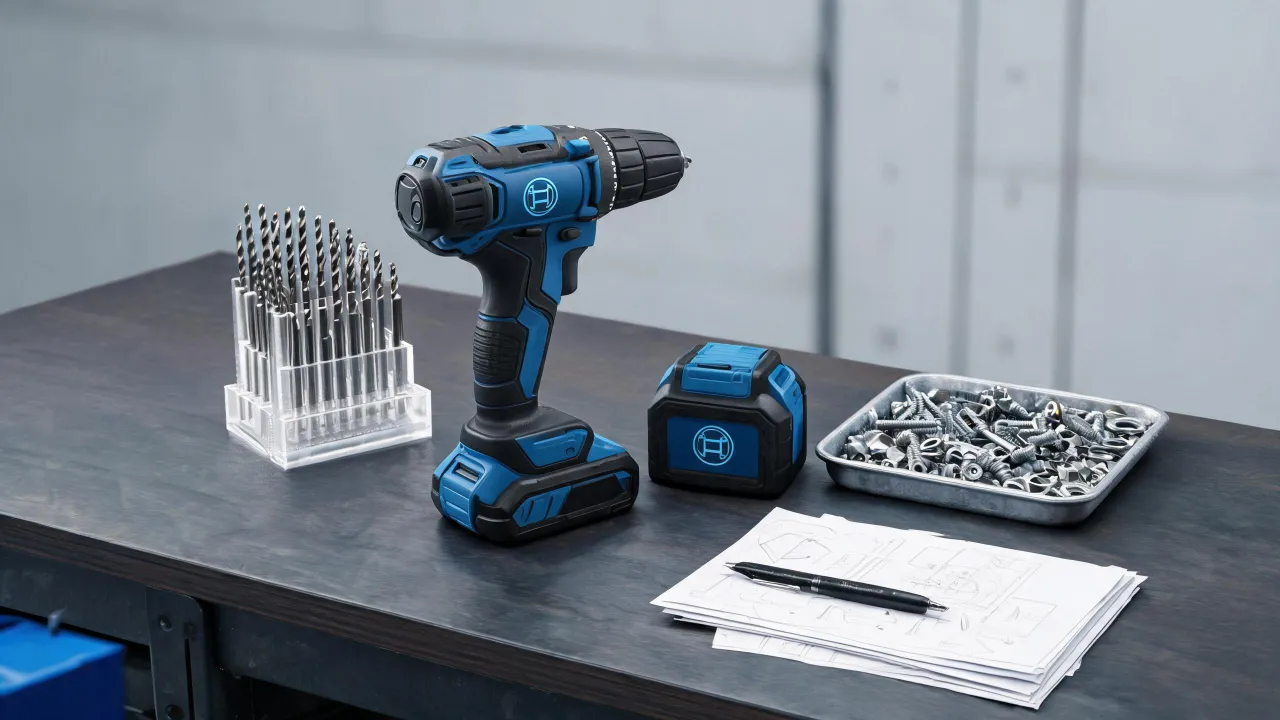
I consolidated to two per category: one primary, one backup. For power tools, that meant standardizing on Bosch for most cordless equipment — mainly because their battery platform covers drills, impact drivers, and garden tools on the same system. Fewer chargers, fewer spare batteries, simpler inventory.
Fewer vendors also means better pricing leverage. Not dramatically better, but enough to justify the consolidation work.
Step 3: Compare Quotes by Total Cost, Not Unit Price
Most buyers focus on the quoted unit price and completely miss the add-ons that show up later — shipping, setup, calibration, training, and the cost of downtime when something fails.
The question everyone asks is "What's the cheapest option?" The question they should ask is "What's included, and what will I pay after the invoice?"
Example from our 2023 equipment refresh: we had two quotes for a batch of hammer drills. Vendor A quoted $189 per unit. Vendor B quoted $215. After shipping ($340), a mandatory calibration fee ($50/unit), and a 3-week lead time that forced us to rent loaners, Vendor A's real cost was roughly $260 per unit. Vendor B included delivery, calibration, and had stock on hand.
I still kick myself for not running this math on an earlier order. We paid $2,400 in "savings" that turned into $3,100 in actual spend.
Step 4: Lock Down the Exact Model Numbers Before Ordering
Tool names are deceptively similar. "1/2-inch hammer drill" could mean a dozen different products with wildly different capabilities.
I now keep a reference sheet with the exact model numbers our technicians approve. For example, our masonry team uses the Bosch HD18-2 1/2" 2-speed hammer drill — two speed settings, 1/2-inch chuck, specifically chosen because the lower speed setting handles brick without cracking it. Get the model wrong and you're processing a return within a week.
Same goes for garden and grounds tools. Our facilities lead requested the 171m garden pruning shears by spec — blade length, handle material, and spring mechanism all mattered because three people with different grip sizes rotate through the same tool. Generic "pruning shears" would have been a $40 mistake. The wrong model is a $400 mistake.
Step 5: Buy Accessories as Investment Protection, Not Afterthoughts
Here is where I see other admins cut corners: they order the tool and skip the accessories. Then the driver bit strips, and nobody can find a replacement, so the whole drill sits idle for a week.
A Bosch pocket screw bit set costs under $15. It keeps a $180 drill running. That math should not require explanation, yet I've approved purchase orders for five-figure tool orders with zero accessories listed. Now I require at least one spare bit set, blade, or battery per tool ordered.
To be fair, this adds line items to every PO. But the alternative is a maintenance ticket saying "drill unusable — no bits."
Step 6: Verify Repair and Service Support Before You Buy
This is the step nobody thinks about until something breaks. At that point, you're Googling "bosch repair near me" at 4:30 on a Thursday hoping someone can see your hammer drill before Monday.
Before placing any order above $300, I now confirm three things: Is there an authorized service center within 30 miles? What's the typical turnaround? And does the warranty cover on-site repair or does the tool have to ship out?
That late Thursday Google search? The tool was down for 11 days. Our team rented a replacement for $85/day. The repair itself was covered under warranty. The rental was not.
Step 7: Never Guess at Equipment Setup — Find the Official Procedure
Some equipment needs more than a plug-in. Welding machines, for example, require correct polarity, gas flow rates, and wire feed tension settings that vary by material thickness.
If your team needs to know how to set a welding machine, don't hand someone a manual and hope for the best. The settings are not intuitive, and getting them wrong damages the workpiece or, worse, creates a safety hazard.
My rule: if equipment requires a setup procedure beyond "plug in and press start," I schedule a walkthrough with the vendor or a certified trainer. That's a line item in the procurement budget, not an afterthought.
Step 8: Inspect Deliveries Against the PO — Same Day
I got lazy on this once. A pallet arrived, I signed for it, and two weeks later discovered the order was short four batteries. The vendor's policy: claims must be filed within 48 hours of delivery.
We ate the cost. Now I open every box within the same business day. Match serial numbers, count accessories, check for shipping damage. It takes 20 minutes and has caught three discrepancies in the past year.
Step 9: Keep a Single Record of Serial Numbers, Warranties, and Invoices
When a repair request comes in, the first question is always: "When did we buy this, and is it still under warranty?" If you can't answer in under two minutes, your record-keeping is costing your company money.
I use a simple spreadsheet: purchase date, vendor, model number, serial number, warranty expiration, and invoice number. It's not fancy. It's just reliable. When our Bosch rotary hammer needed service in early 2024, I had the warranty info pulled up before the technician finished describing the problem.
Common Mistakes to Avoid
- Buying from the lowest bidder without checking what's included. The $500 quote became $800 after shipping and setup. The $650 all-inclusive quote was actually cheaper.
- Forgetting accessories on the initial PO. Adding them later means a separate order, separate shipping, separate approval chain. It's a 30-second fix upfront and a 3-day headache later.
- Assuming all vendors handle returns the same way. Some charge restocking fees of 15-25%. Read the terms before ordering 20 units of something your team hasn't tested yet.
- Skipping the end-user check-in. The people using the tools know what fails and why. Ask them before you buy, not after.
None of these steps is complicated on its own. Together, they've cut our tool-related rework costs by roughly 40% since 2021 — and made my quarterly reviews a lot less stressful.

Koji Sakamoto
Koji Sakamoto is an independent pneumatic tool and compressor analyst covering air compressors, impact wrenches, air ratchets, nail guns, and general air-tool systems. He applies ISO 11148 safety requirements while evaluating working pressure, free-air delivery, air consumption, hose loss, duty cycle, fastener capacity, vibration, noise, lubrication, and moisture control. His application guides help workshops and contractors size air supplies, compare tool output, and prevent performance losses caused by undersized or poorly maintained systems.